StarLite & StarBright Field Upgrade Instructions
Field Upgrade of the firmware is a very simple process. Upgrade the firmware of your StarLite or StarBright device by following step-by-step instructions below.
Download the latest Field Upgrade Tool:
StarLite version 1.57(10.6 MB, ZIP) StarBright version 1.57(11 MB, ZIP)
- Copy it to your local drive, double-click on the file to run.
- The Field Upgrade Tool expects .NET Framework 4 to be installed on the computer. If not already installed, download .NET Framework 4 from Microsoft’s web site at http://www.microsoft.com/en-us/download/details.aspx?id=17851.
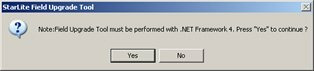
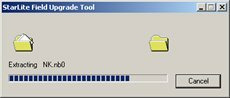
- While the Field Upgrade Tool is self-extracting itself, the following will be displayed on the screen.
- Follow the on-screen instructions to set up the StarLite / StarBright for the firmware version upgrade.
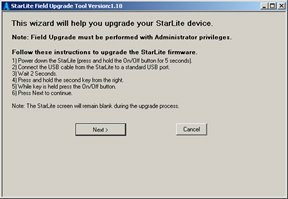
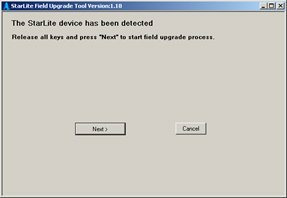
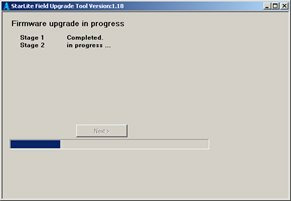
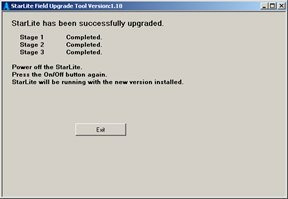
Watch the Firmware Upgrade of StarLite and StarBright video: